Notes
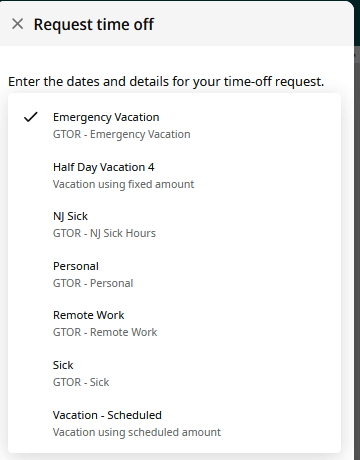
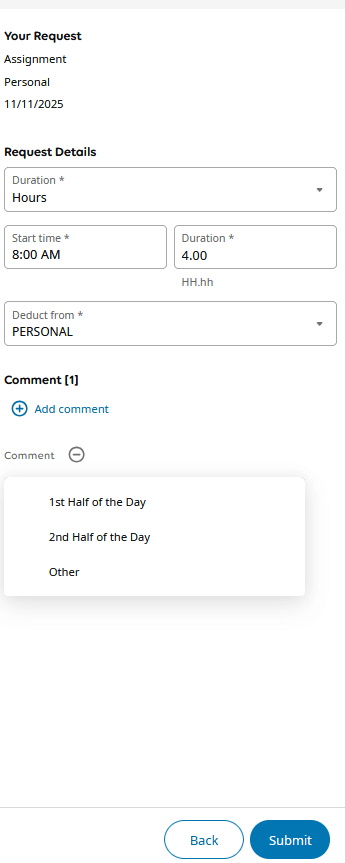
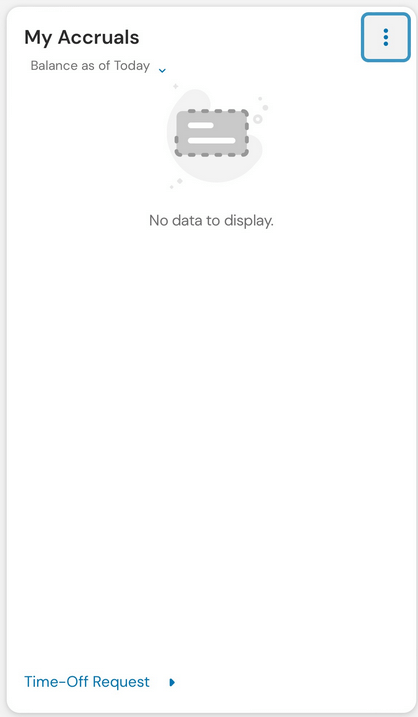
The process for requesting time off has been updated to make submissions easier and more consistent. To begin, select Time Off Request from the My Accrual tile. A slider will open on the right side of the screen, where you can choose the type of time off you are requesting from the drop-down menu. When requesting sick time, be sure to indicate whether the absence is for yourself, a family member, or a religious holiday. If no selection is made, the request will automatically default to sick time for yourself.
You can enter multiple days on the ‘Remote work’ request form so you do not have to fill this out so often
1. Open Workforce Management Website or App
How to access Workforce Management
Downloading the Mobile Application
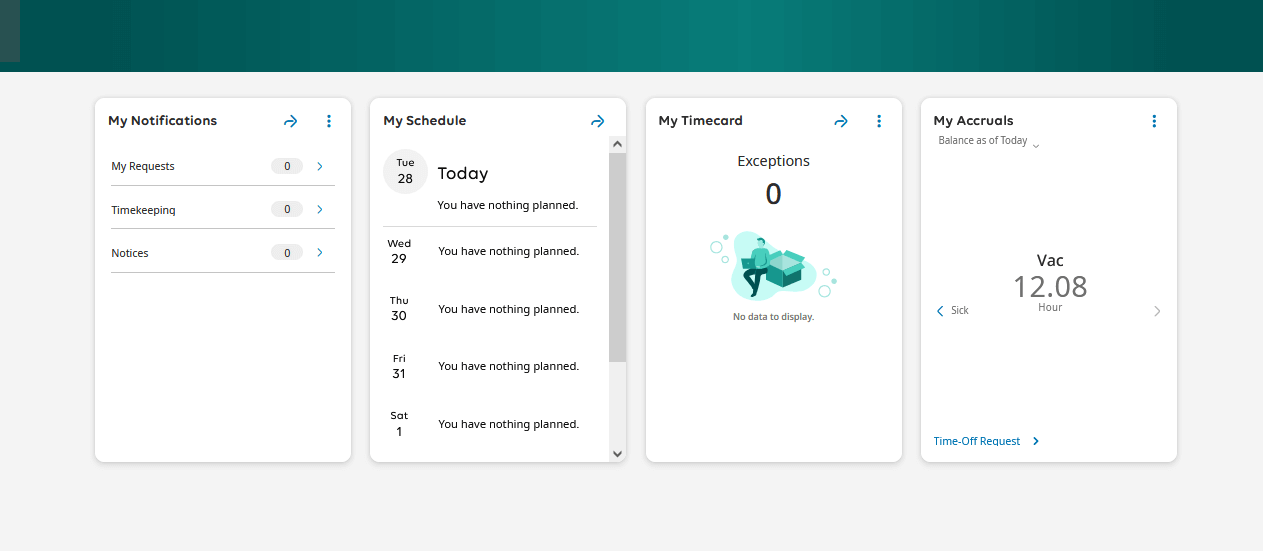
2. From the Home screen, look for the ‘My Accruals’ Tile
On the Website
Select ‘Time Off Request’
On the App
After opening the my accruals tile, select the time-off request link at the bottom.
3. A Window Will Open
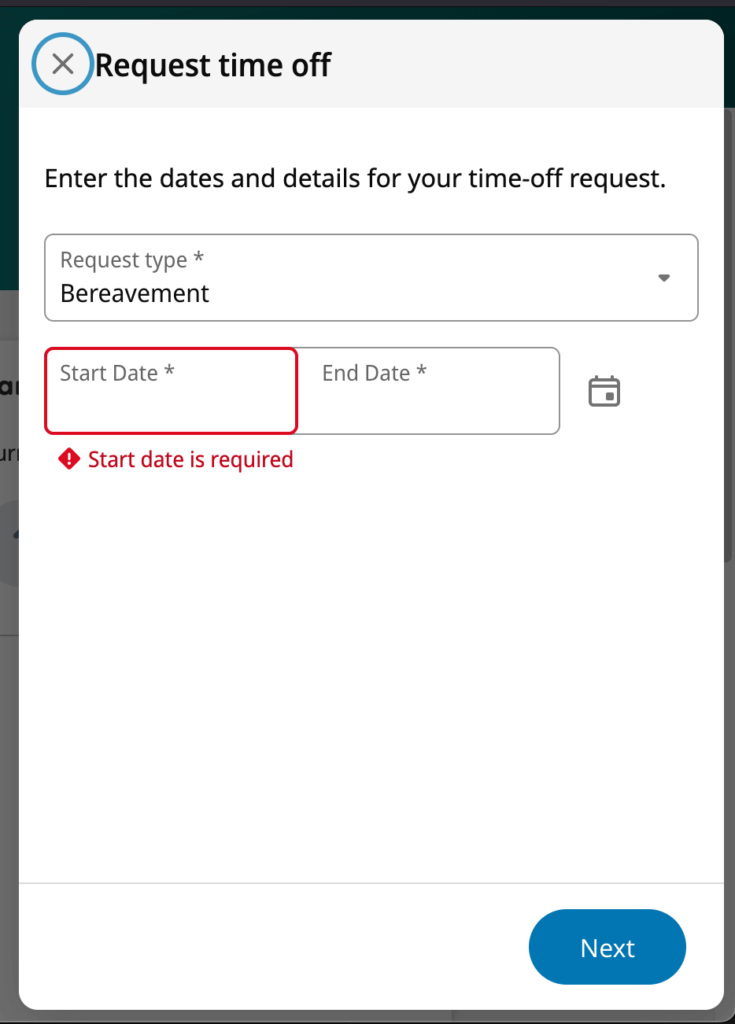
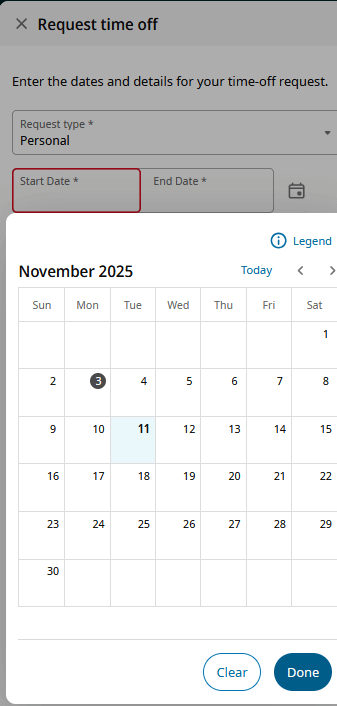
4. Use the dropdown to select the Request Type and enter date(s)